Thinking about lacing up your shoes and hitting the pavement but feeling overwhelmed? A running app for beginners isn't just a gadget; it's your personal coach, motivator, and tracker all rolled into one, designed to transform you from a walk-jogger into a confident runner. Starting any new fitness journey can feel like a daunting hill climb, especially when you're unsure where to begin or how to stay consistent. But with the right digital companion, that initial struggle can become a structured, rewarding path to lasting fitness.
At a Glance: What You'll Gain from a Beginner Running App
- Structured Progression: Say goodbye to guesswork with guided, incremental training plans.
- Motivation & Accountability: Audio cues, virtual coaches, and progress tracking keep you going.
- Effortless Tracking: Automatically log distance, pace, and calories without manual input.
- Injury Prevention: Smart pacing and recovery prompts help you build strength safely.
- Mental Toughness: Learn to push through discomfort, just like seasoned cross-country runners.
- Sustainable Habits: Build consistency that turns running into an enjoyable lifestyle.
Why a Running App is Your Ultimate Starting Line Companion

For many beginners, the idea of "just going for a run" often leads to overexertion, frustration, or inconsistency. You might start too fast, get winded quickly, and then feel discouraged. This is where a dedicated running app shines. It demystifies the process, breaking down what seems like an impossible feat – running for 30 minutes straight, or even a 5K – into manageable, achievable steps.
Think of it like learning to ride a bike with training wheels. The app provides the necessary support and guidance, allowing you to focus on form and building endurance without worrying about pace or distance calculations. It’s about building a foundation of resilience and routine, much like the discipline required in cross country training, where "diligence and discipline" compensate for initial lack of natural aptitude.
The Psychology Behind App-Driven Running Success
Running isn't just physical; it's incredibly mental. A beginner often battles the internal voice that says "stop," "you're too tired," or "this is too hard." A running app helps counter this by:
- Providing immediate positive feedback: Seeing your progress, even small gains, fuels your motivation.
- Creating mini-goals: Each guided interval or completed session is a small victory, building confidence.
- Distracting from discomfort: Focusing on the coach's instructions or the next interval can shift attention away from fatigue.
- Fostering a sense of accomplishment: Completing a structured workout feels far more satisfying than just a random jog.
This mental fortitude, the ability to push through perceived limits, is a core lesson from running, mirroring the endurance and spirit often highlighted in cross country.
Essential Features to Look for in a Running App for Beginners
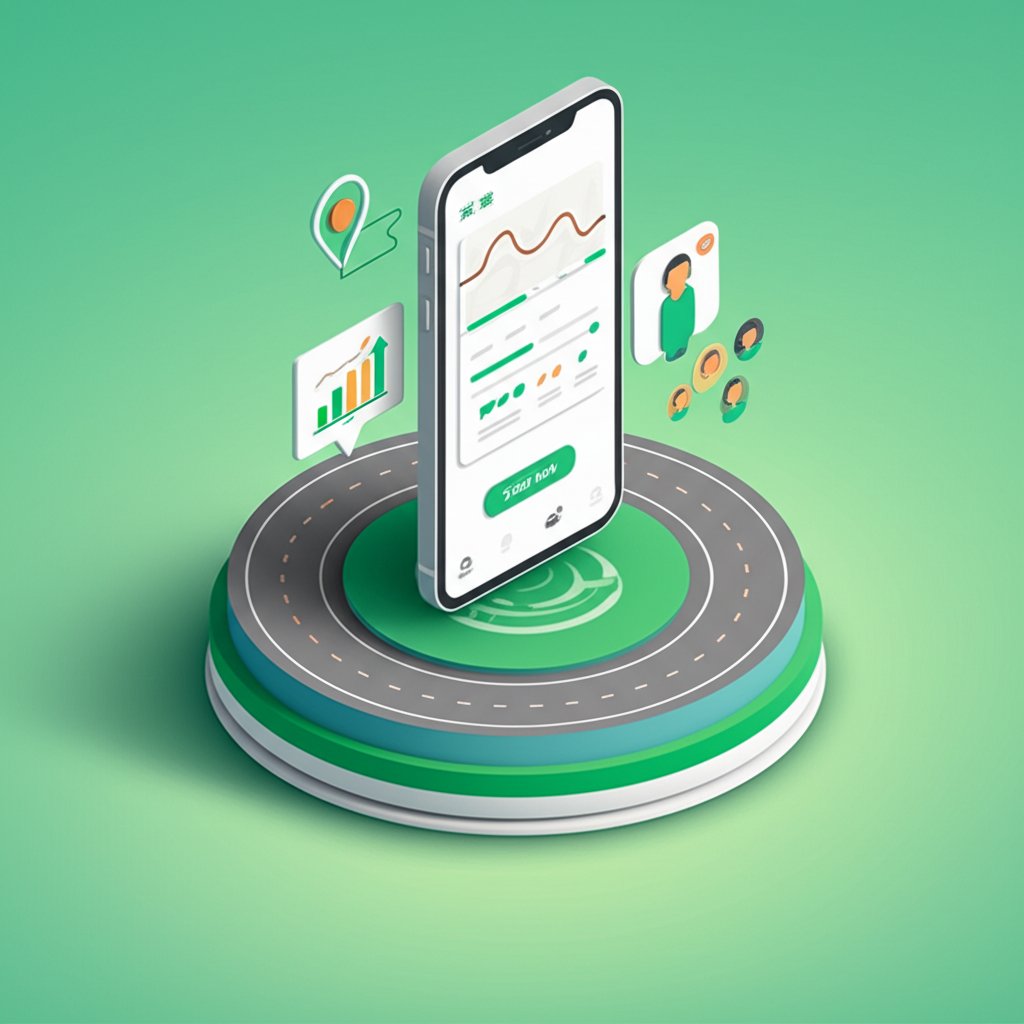
When diving into the world of running apps, it’s easy to get overwhelmed by the sheer number of options. For beginners, the goal is simplicity, effective guidance, and gentle encouragement. Here’s what truly matters:
1. Guided Training Plans (Walk-to-Run Programs)
This is non-negotiable. Look for apps that offer structured programs like "Couch to 5K" (C25K). These plans gradually introduce running intervals, interspersed with walking breaks, slowly building your stamina over several weeks.
- Example: A typical C25K session might involve: 5-minute warm-up walk, then alternate 60 seconds of running with 90 seconds of walking for 20 minutes, followed by a 5-minute cool-down walk. The app's audio coach tells you exactly when to switch.
2. Audio Cues and Virtual Coaches
Having a voice in your ear telling you when to run, when to walk, and offering encouragement is incredibly powerful. It eliminates the need to constantly check your phone, allowing you to focus on your stride and surroundings. Many apps offer different "coaches" or voice options to keep things engaging.
3. GPS Tracking and Basic Metrics
Even as a beginner, knowing your distance, pace, and route can be motivating. The app should automatically track these via your phone's GPS. While advanced metrics aren't necessary yet, seeing basic stats at the end of a run provides tangible proof of your effort.
- Practical Use: After a run, review your route on a map and see how far you actually went. This helps visualize your journey and plan future runs.
4. Progress Tracking and History
A good app keeps a log of all your runs, showing your improvement over time. Graphs illustrating increased distance, faster paces, or longer continuous runs are fantastic motivators.
- Case Snippet: Sarah, a new runner, felt stuck after week 3 of her C25K program. Looking back at her app history, she saw she could now run for 3 minutes straight, something impossible just two weeks prior. This visualization reignited her determination.
5. Simple, Intuitive Interface
You don't want to wrestle with complicated menus when you're trying to get out the door. The app should be easy to navigate, with clear buttons to start, pause, and end a workout.
6. Music Integration
Running with your favorite tunes can make the miles fly by. Look for apps that integrate seamlessly with your preferred music streaming service or allow you to play local files without interruption from the coaching cues.
Choosing the Right Running App for Your First Steps
With so many options, how do you pick? Focus on beginner-centric apps first. Many offer free trials or basic versions that are perfect for getting started.
Top Contenders for Beginners:
- Couch to 5K (Various Developers): The quintessential beginner program. Many standalone apps offer this exact plan. Great for absolute beginners who need maximal hand-holding.
- Pros: Highly structured, proven effectiveness, clear audio cues.
- Cons: Limited features beyond the C25K plan itself.
- Nike Run Club (NRC): Free, extensive library of guided runs (including beginner-friendly ones), personalized coaching plans, and challenges. Excellent community features.
- Pros: Free, varied guided runs, adaptive training plans, strong community, motivational coaches.
- Cons: Can feel a bit overwhelming with all the features initially.
- Runkeeper: Offers guided workouts, custom training plans, and excellent tracking. User-friendly interface.
- Pros: Good balance of features, solid tracking, goal setting.
- Cons: Some advanced features require a paid subscription.
- Strava: While known for its social and competitive aspects, Strava is also great for basic tracking and connecting with friends. It can be a good choice if you're motivated by seeing others' activities and getting kudos.
- Pros: Excellent tracking, strong social features, route discovery.
- Cons: Not inherently a "coaching" app; you'll need to create your own structure or pair it with another app for guided runs.
Decision Point: If you want maximum structure and hand-holding for your very first runs, start with a dedicated Couch to 5K app. If you want a more comprehensive free experience with guided runs and potential for growth beyond 5K, Nike Run Club is an excellent choice.
Your Practical Playbook: Getting Started with Your Running App
Once you've chosen your app, here's a step-by-step guide to integrate it into your new running routine.
Step 1: Download and Set Up Your Profile
- Install: Download your chosen app from your phone's app store.
- Account: Create an account. This often involves basic info like name, age, weight (for calorie estimates), and height.
- Permissions: Grant the app necessary permissions, especially for GPS/location tracking and notifications for audio cues.
Step 2: Choose Your First Program or Guided Run
- C25K: If you're using a C25K app, select "Week 1, Day 1."
- NRC/Runkeeper: Look for "Guided Runs for Beginners," "First Run," or "Walk to Run" programs. Many apps have a "Getting Started" section.
- Set a Goal: Even if it's just "complete my first guided run," establish a simple objective.
Step 3: Prepare for Your Run
- Gear: Wear comfortable running shoes (properly fitted!), appropriate clothing, and your phone (in an armband, pocket, or hydration belt).
- Hydration: Drink water before and after.
- Warm-up: Always do a 5-minute brisk walk or dynamic stretches before you hit play on the app. The app will usually prompt this, but consider adding extra light movement.
- Music: Queue up your playlist within the app, if integrated, or your separate music player.
Step 4: Hit Play and Follow the Coach
- Start: Open the app, select your workout, and press "Start" or "Go."
- Listen: Follow the audio instructions from your virtual coach. Don't worry about your pace in the beginning; just focus on keeping moving.
- Form: Pay attention to your breathing and posture. Try to keep your shoulders relaxed, gaze forward, and take light, quick steps.
- Trust the Process: The app's plan is designed for gradual adaptation. Don't try to skip ahead or push too hard initially. Remember, "the long run is what puts the tiger in the cat"—consistency over intensity.
Step 5: Post-Run Ritual and Review
- Cool-down: The app will guide you through a cool-down walk. Follow it. Finish with gentle stretches.
- Save: Ensure your run is saved.
- Review: Check your stats (distance, time, pace). Don't compare yourself to others yet; focus on your improvement.
- Hydrate & Fuel: Replenish fluids and have a healthy snack.
- Plan Next Run: Look ahead to your next scheduled workout. This builds anticipation and commitment.
Overcoming Beginner Hurdles with Your App's Help
Starting to run comes with its share of challenges. Your app can be a powerful tool in navigating them.
Challenge 1: Lack of Motivation
- App Solution:
- Scheduled Reminders: Many apps can send push notifications to remind you of your next run.
- Virtual High-Fives: Audio cues often include words of encouragement, "Great job!" or "You're doing fantastic!"
- Progress Visualizations: Seeing your past runs and how far you've come is incredibly motivating.
- Community/Sharing: Share your runs with friends (if comfortable) for external accountability and kudos.
- Expert Tip: On days you really don't feel like running, tell yourself you'll just do the warm-up walk. Often, once you're out there, you'll feel better and complete the full workout. Sometimes, the biggest victory is simply starting. For broader inspiration, connecting with the spirit of determination can be invaluable. Consider browsing Inspiring cross country quotes to find the mental push you need on those tougher days.
Challenge 2: Feeling Too Slow or Out of Breath
- App Solution:
- Pacing Guidance: Beginner programs prioritize time on feet over speed. The app emphasizes walk/run intervals, ensuring you're not overdoing it.
- Breathwork Prompts: Some guided runs offer cues for rhythmic breathing.
- Expert Tip: If you can't hold a conversation while running, you're going too fast. Slow down your running intervals to a comfortable "conversational pace." It's okay to feel winded, but you shouldn't feel like you're gasping for air. The goal is endurance, not speed, especially at first.
Challenge 3: Minor Aches and Pains
- App Solution:
- Structured Progression: Apps prevent you from doing too much too soon, which is a major cause of beginner injuries.
- Recovery Prompts: Some apps include reminders for rest days or light activity.
- Expert Tip: Listen to your body. Sharp, persistent pain means stop. Dull aches are often muscle adaptation. Ensure you have proper running shoes that aren't too old (typically replace every 300-500 miles). Don't try to "power through" genuine pain; a missed run is better than an injury that sidelines you for weeks.
Challenge 4: Hitting a Plateau
- App Solution:
- Adaptive Plans: Some apps, like NRC, offer plans that adjust based on your performance, ensuring you're continually challenged without being overwhelmed.
- New Goals: Once you complete a C25K, move to a 10K plan or try a speed-focused workout.
- Expert Tip: A plateau is a signal to change something. It could be your routine, your speed, or the terrain. Embrace the challenge; "every hill you climb is one step closer to victory."
Beyond the App: Cultivating a Runner's Lifestyle
While a running app is an incredible launchpad, it's part of a larger picture. To truly make running an enjoyable, sustainable part of your life, consider these complementary habits:
- Proper Footwear: This cannot be stressed enough. Go to a specialty running store and get fitted for shoes that suit your foot type and gait. The right shoes prevent injuries and make running more comfortable.
- Warm-up and Cool-down: Always dedicate 5-10 minutes to warming up (dynamic stretches, brisk walk) and cooling down (walking, static stretches). This improves flexibility and aids recovery.
- Hydration and Nutrition: Fuel your body properly. Drink plenty of water throughout the day, and eat a balanced diet. You don't need a special "runner's diet" as a beginner, but avoid running on a completely empty stomach or immediately after a heavy meal.
- Rest and Recovery: Your muscles build back stronger on rest days. Don't skip them. Sleep is also crucial for recovery.
- Cross-Training: Incorporate other activities like strength training, yoga, or cycling on non-running days. This builds overall fitness and strengthens muscles that support your running, preventing imbalances.
- Listen to Your Body: This is the golden rule. No app or training plan knows your body as well as you do. Adjust workouts, take extra rest days, or seek professional advice if something feels wrong.
Quick Answers: Your Beginner Running App FAQs
Q: Do I need a paid running app? Can't I just use a free one?
A: Absolutely not. Many excellent apps, like Nike Run Club, are completely free and offer comprehensive beginner programs and guided runs. Free C25K apps are also plentiful. Paid apps often offer more advanced features, deeper analytics, or premium coaching, which you likely won't need as a beginner. Start free and upgrade later if you find a specific feature indispensable.
Q: What if I miss a run or a whole week of my training plan?
A: Don't panic! Missing a run won't derail your entire journey. The key is to get back on track. Most apps allow you to pick up where you left off. If you miss more than a few days, consider repeating the last successful week of your plan to rebuild momentum. Consistency is more important than perfect adherence.
Q: Can a running app really help prevent injuries?
A: Indirectly, yes. Beginner apps are designed with gradual progression, which is the single most important factor in preventing overuse injuries. By ensuring you don't do "too much, too soon," they significantly reduce your risk. However, they can't account for poor form, inadequate footwear, or pre-existing conditions. Always pair app guidance with smart personal choices.
Q: How do I stay motivated with an app long-term, after the initial excitement wears off?
A: Set new goals within the app (e.g., a longer distance, a faster mile). Explore different guided runs or challenges. Join the app's community (if available) to connect with other runners. Most importantly, remember why you started. Running should become an enjoyable part of your lifestyle, not a chore. "A day without running is not a good day" becomes a mindset, not a rule.
Your First Step is the Hardest: Just Start
The beauty of a running app for beginners is its ability to turn the intimidating prospect of becoming a runner into a manageable, even exciting, adventure. It provides the structure, the motivation, and the confidence you need to overcome those initial mental and physical hurdles. Remember that every runner, no matter how accomplished, once took that very first step.
Your fitness journey isn't a race against anyone else; it's a journey of self-discovery, building resilience, and learning what your body and mind are capable of. By embracing a running app, you're not just downloading software; you're unlocking your potential. So, choose your app, lace up your shoes, and let your personal digital coach guide you to a stronger, more vibrant you. The hardest part is simply beginning.